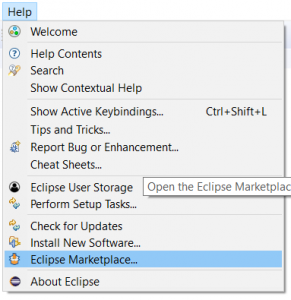
1. On Eclipse main menu choose: Help -> Eclipse Marketplace
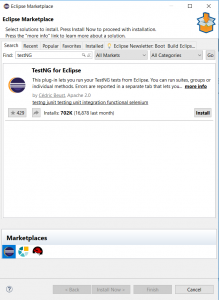
2. On the 'find' input field insert 'testng' and click on 'Go' button. From the results list choose 'TestNG for Eclipse' and click on 'Install'
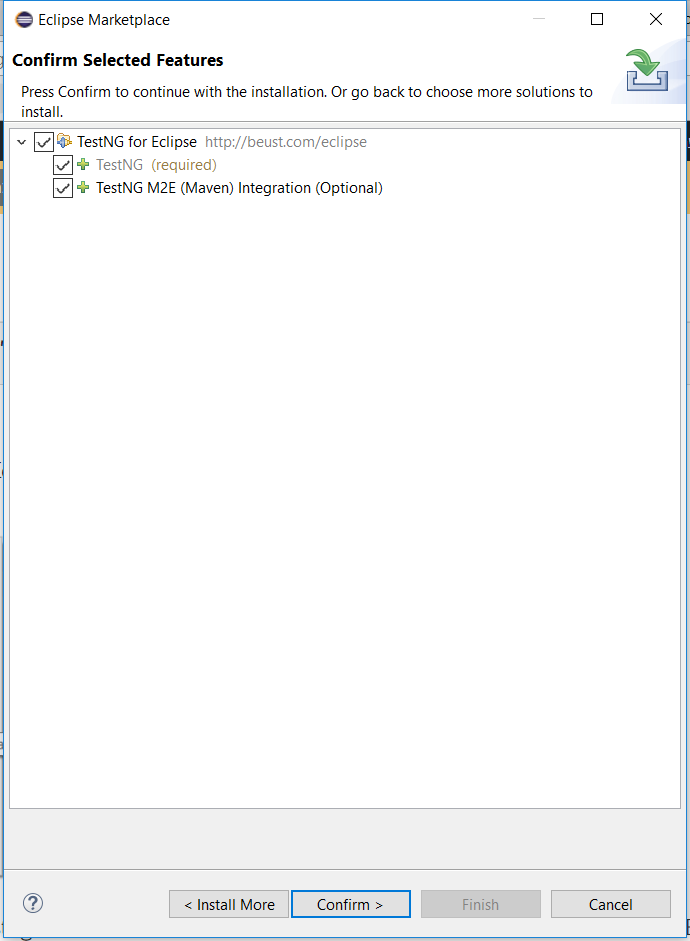
3. Select all the features presented and click on 'Confirm'
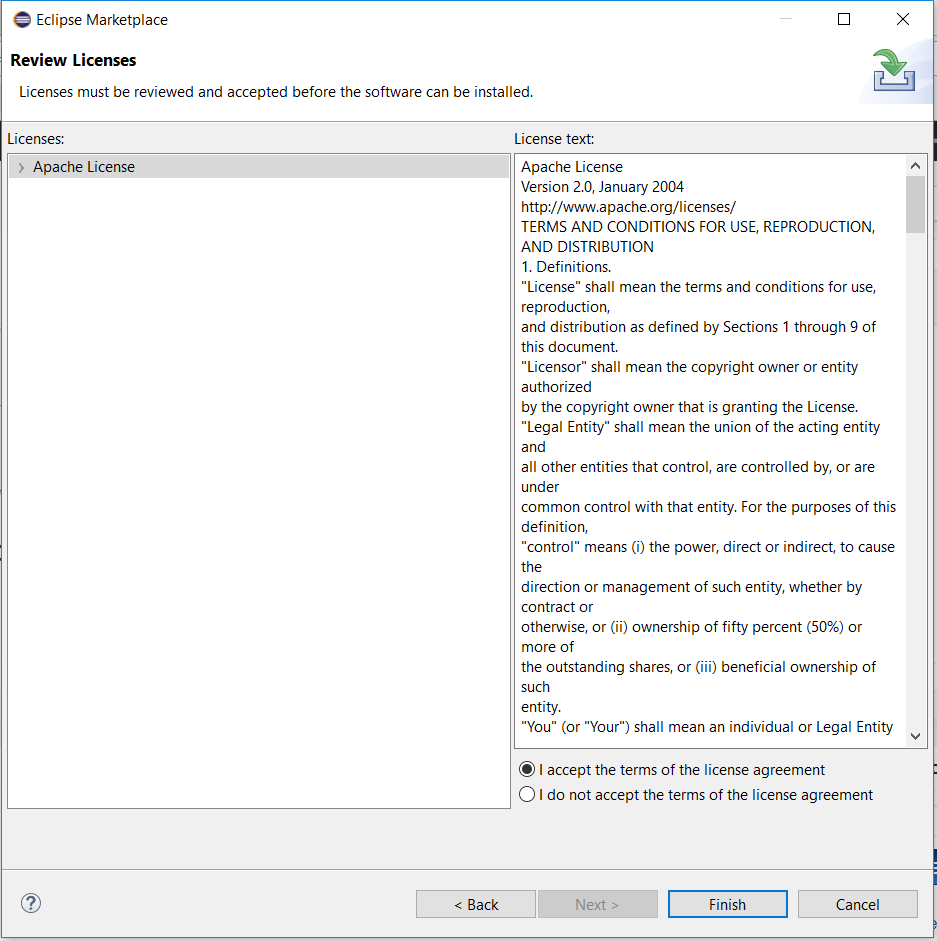
4. Accept the terms and click on 'Finish'
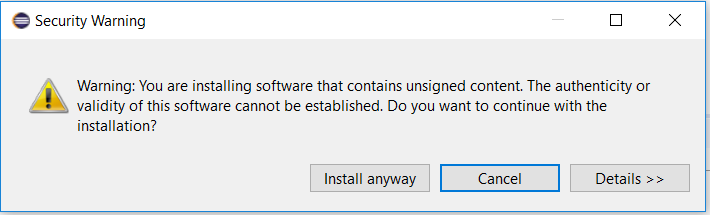
5. Accept the security warning and click on 'Install anyway'
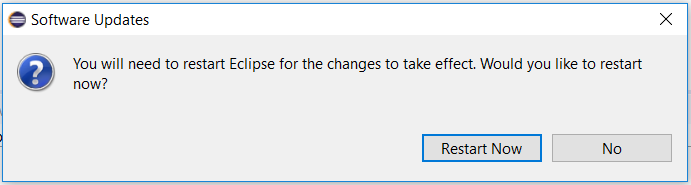
6. On the popup window click on 'Restart'
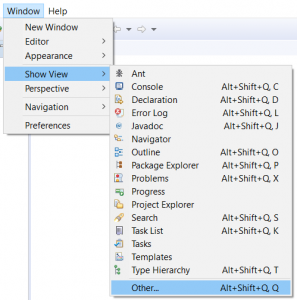
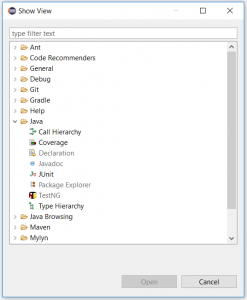
7. To make sure that your TestNG plugin has installed successfully, in the main menu click on Window -> Show View -> Other
8. Make sure that TestNG is now available under the Java branch
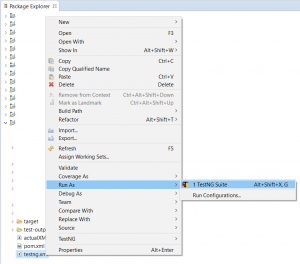
9. To run your TestNG test suite, right click on your testng.xml file and choose Run As -> TestNG Suite